
 EN
EN  NO
NO  GR
GR  PL
PL  AU
AU  HU
HU  DE
DE  SI
SI  CA
CA  CZ
CZ  IT
IT  NZ
NZ  AR
AR  CH
CH  AT
AT  CL
CL  DK
DK  ES
ES  PT
PT 
 Games
Games 
 Live Dealers


 Hall of Fame
 VIP
VIP 

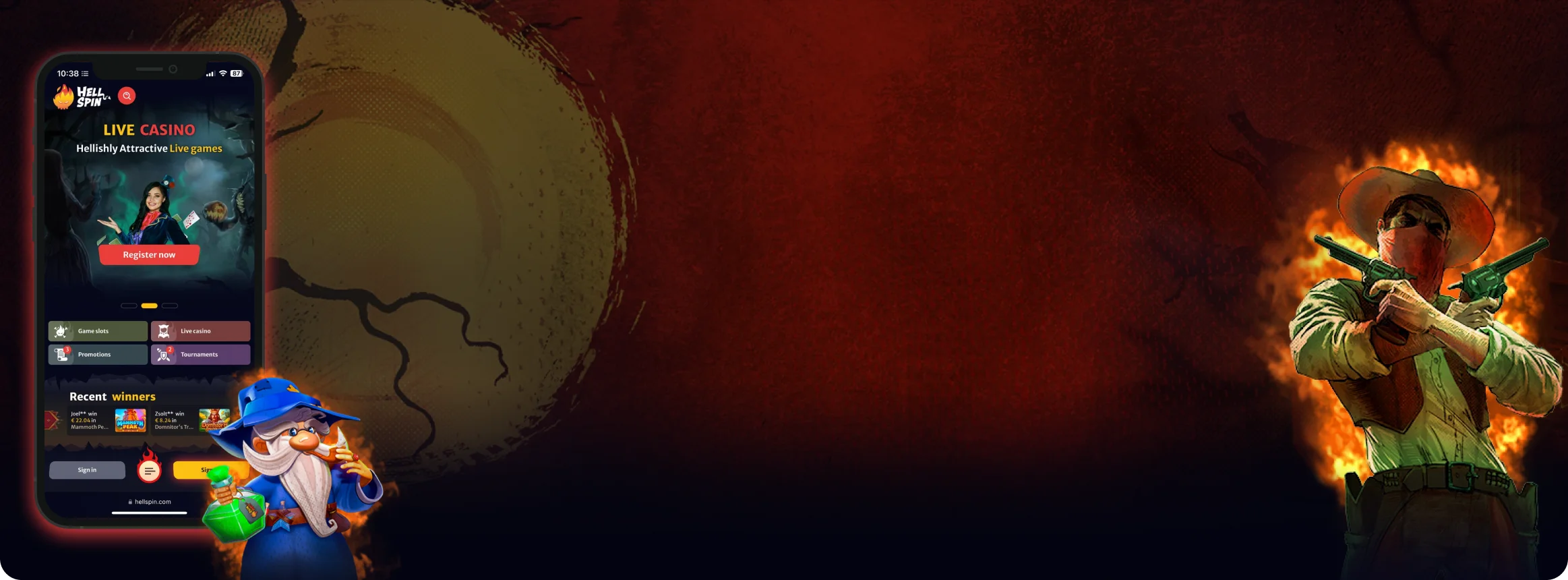
HellSpin Mobile App – Complete Guide for New Zealand Players on iOS and Android
We put the HellSpin mobile app through its paces across multiple devices. From setup to withdrawals, here's what Kiwi players can expect in daily use.
Join NowHellSpin Mobile App
Running that same HellSpin mobile app on your phone is a different experience to playing it on a PC at a desktop. When you’re on a phone, convenience and responsiveness matter above all else. Kiwi players want their games to load up quickly, their live streams to run smoothly and their interfaces to not be difficult and confusing. To put the app to the test and see if it could deliver all of the things we listed, we installed the app on our iPhone and Android phones.
We went through the process any NZ player would, right from the cashier, onto the sign-in and payment pages, checking out the pokies and live dealer games. Overall, it was easy to see what worked well and what needed a little extra work. Thus, these observations reach beyond purely technical specifications into the daily life of the user.
This article contains everything needed if someone tries to decide to download the app or use the mobile site.
Main Features
Before diving into the details, here’s what caught our attention within the first few minutes:
- There was no splash screen or long wait for the main lobby to appear.
- Game thumbnails were the right size for tapping, even on mobile.
- Searching for game titles and software providers was straightforward, and I easily found the full range of pokies, live tables, bonuses, and the banking area.
- On older handsets, the display was well-defined and colours were not over-saturated. Moving from part of one area to another was easy with no awkward transitions or lag.
How to Download and Install the HellSpin App
Getting HellSpin on your phone or tablet is fairly straightforward after you know how to, but there are a few steps you can take to save you a problem down the line.
First, you will want to make sure that your version updates to the latest one available, that your storage suffices for downloading the update, and that you connect with a good Wi-Fi. This will stop a download failure or a sudden crash halfway through for you when you want to get started.
 iPhone or iPad (iOS)
We kicked things off with iOS. The installation mirrors any standard app download, though being attentive to details ensures you don’t accidentally grab an imitation.
- Launch the App Store from the actual device you intend to play on. Downloading directly avoids additional verification steps that sometimes crop up when switching between gadgets.
- Type “HellSpin Casino” into the search bar. If multiple results appear with similar appearances, verify the developer name and preview images. They should correspond with what you’d see on the official HellSpin website.
- Hit “Get”, authenticate using Face ID or your Apple ID credentials, and allow the installation to complete. Given the modest file size, most New Zealand connections will have it ready in under sixty seconds.
- After installation, open the app and sign in using your existing credentials. First-time players can register directly within the app—no need to visit the website separately.
We’d suggest activating Face ID login when prompted. It eliminates the hassle of entering passwords repeatedly.
 Android Phones or Tablets
For Android users, the app typically appears in Google Play, although regional restrictions occasionally hide gambling applications. When that happens, HellSpin offers an APK download from their official site. We tested both methods.
Google Play
- Open Google Play and confirm you’re logged into your account.
- Search “HellSpin Casino” and select the legitimate listing.
- Tap “Install” and wait for completion.
- Launch the app, then either log in or set up a fresh account.
- Head to Settings and turn on fingerprint authentication for speedier access.
APK Download (when the Play Store doesn’t display the app)
- Navigate to the official HellSpin website using your browser, locate the mobile section, and tap “Download for Android (APK)”.
- Your device will request permission to install from that particular browser. Grant this in your security settings.
- Once downloaded, find the file in your Downloads folder, tap it, and select Install.
- Open the app, sign in, and you’re set to go.
- As a security measure, return to your settings and disable “unknown sources” once installation finishes.
Both installation routes deliver identical functionality, and updates arrive regularly. The APK version requires manual re-downloading when new versions drop, whereas Google Play handles everything automatically.

App Features and Benefits
As noted earlier, the HellSpin app delivers the complete casino package rather than a watered-down mobile variant.
- It’s all right there. From pokies to live dealer tables, cashier, bonuses and more, New Zealand players can find everything they need from the mobile app without having to switch from mobile to desktop versions.
- Portability. With a casino in your pocket, you can play on the subway during your lunch break, while you’re waiting for the bus, or you can even be at home on the couch. The game is designed for smaller devices: from the oversized game tiles to simplified menus and one-handed, vertical scrolling.
- Security features are woven into the authentication process; players on iOS are automatically set to use Face ID and on Android, fingerprint recognition. This replaces long passwords, without sacrificing account security. Also in security is a view of your active sessions and an option to sign out of any device.
- Good performance even on mid-range phones.
- The graphic quality adapts to your connection: if connected to a good Wi-Fi network you get a good quality image, elsewhere the graphic quality is lowered so as not to freeze the game in the rotation.
- Push notifications are optional and will alert you to tournaments, special promotions, or payment confirmations. If you prefer the quiet approach, you are able to mute them with one tap.
These features, combined, mean that the HellSpin app is a fast and easy extension to the desktop site. The functionality is exactly the same as the desktop one, but is available everywhere.



App Requirements and Compatible Devices
HellSpin isn’t particularly resource-hungry, but your phone or tablet should meet certain baseline specifications for optimal performance. The app itself occupies minimal space, though games—particularly live dealer streams—demand adequate memory and stable connectivity. Keeping your operating system current matters just as much as available storage.
iOS Devices
Android Devices
Connection
Since live casino games essentially stream video content, your internet connection becomes the critical factor.
With solid Wi-Fi or 4G/5G coverage, streams display in HD without stuttering. If your signal drops temporarily, the app automatically reduces quality rather than freezing entirely, then restores higher resolution once connectivity stabilises.
In summary, most mid-range smartphones released within the past five years will run HellSpin without issues. The essential checklist includes updated software, a few hundred megabytes of free space, and dependable network access for live play.
Playing HellSpin Through a Browser
Some players prefer skipping app installations altogether, and HellSpin accommodates this preference nicely.
- The mobile site functions smoothly across browsers, and we evaluated it using Safari on iPhone and Chrome on Android. Both scaled beautifully to screen dimensions. Pokies expanded to fill available space without distortion, buttons remained large enough for single-thumb navigation, and the banking section displayed the same polished layout familiar from desktop.
- This approach suits several scenarios. When storage is tight, the browser keeps things lightweight. If you’re using a borrowed phone or work device, there are no app traces left behind. Casual players often appreciate being able to log in, enjoy a few rounds, and log out without managing updates or notification permissions—something many New Zealand players find convenient.
- Performance held steady during our browser testing. Safari loaded fresh pokies within seconds, running smoothly with properly synced audio. Chrome handled live roulette streams at full resolution, and sessions resumed seamlessly even after switching tabs briefly.
- Payment processing mirrored the app experience: deposits via cards and e-wallets credited instantly, while withdrawals followed the same timeframes observed in the native version.
- The single minor disadvantage is that browser sessions sometimes time out faster, requiring password re-entry after periods of inactivity.
- For those who enjoy shortcuts, there’s a simple workaround that makes the browser feel nearly app-like. On iOS, tap “Share” and choose “Add to Home Screen”. On Android, open Chrome’s menu and select the equivalent option. An icon appears on your home screen, and the site launches in full-screen mode minus the browser toolbar. For plenty of Kiwi players, this configuration offers app-like speed without any actual installation.

FAQs
Not at all. Your existing login credentials work across desktop and mobile seamlessly, so there's nothing new to create. Balances, bonuses, and gameplay history sync automatically. You can begin a session on one device and pick up on another without missing a beat.
The download is quite compact—typically ranging from 60 to 80 MB depending on your operating system. That's considerably lighter than many contemporary apps, so it won't gobble up your storage. Nevertheless, keeping a few hundred megabytes available is wise, since games require additional cache space for smooth operation.
Your account and associated data remain safely stored online. Deleting the app simply removes it from your handset, not from HellSpin's servers. Reinstalling and logging back in restores your balance and history precisely as you left them.
Absolutely. Cards and e-wallets can be saved within the cashier for faster future deposits. On personal devices, this proves quite handy, though sharing a phone with others means you might want to avoid storing details for security reasons.
Most pokies rotate automatically, providing a wider viewing area. However, menus and the banking section remain in portrait orientation. This design choice keeps navigation straightforward and prevents confusion when alternating between games and account settings—a thoughtful touch for New Zealand players who appreciate simplicity.
A simple restart—either the app or your entire device—usually resolves the issue. If problems persist, reinstalling typically clears underlying errors. Ensuring your phone runs iOS 14+ or Android 9+ is equally important, as the app is optimised for these versions. Outdated operating systems may struggle with recent updates.
Pokies are relatively gentle on power consumption, but live games behave like video streaming and draw considerably more. Extended live table sessions will drain your battery faster, especially over mobile data. Playing on Wi-Fi, dimming screen brightness, and closing resource-heavy background apps all help extend playtime.
Through iOS and Google Play, updates download automatically in the background. For the APK version, you'll need to manually download newer files from the official HellSpin site when they become available. Updates are generally small and focused on enhancing stability or ensuring compatibility with newly released games.

Responsible Play on Mobile
However, due to the ease of access to the games in the app, it is important to use the built in responsible gambling tools.
Separately, New Zealand players can also set deposit limits, loss limits and session reminder, or a cooling-off period in their account menu, as well as a more wide-ranging cooling-off period, or self-exclusion.
It is best to set these up before starting your bonus round or a longer playing session, as it can sometimes interrupt the game if these are adjusted mid round. The app also includes links to external organizations that can provide support if you would prefer to talk outside of a casino.
